Calculator
- 4.5
- Rating
- 10.00M
- Installs
- Free
- Price
 Analysis by App-foxy
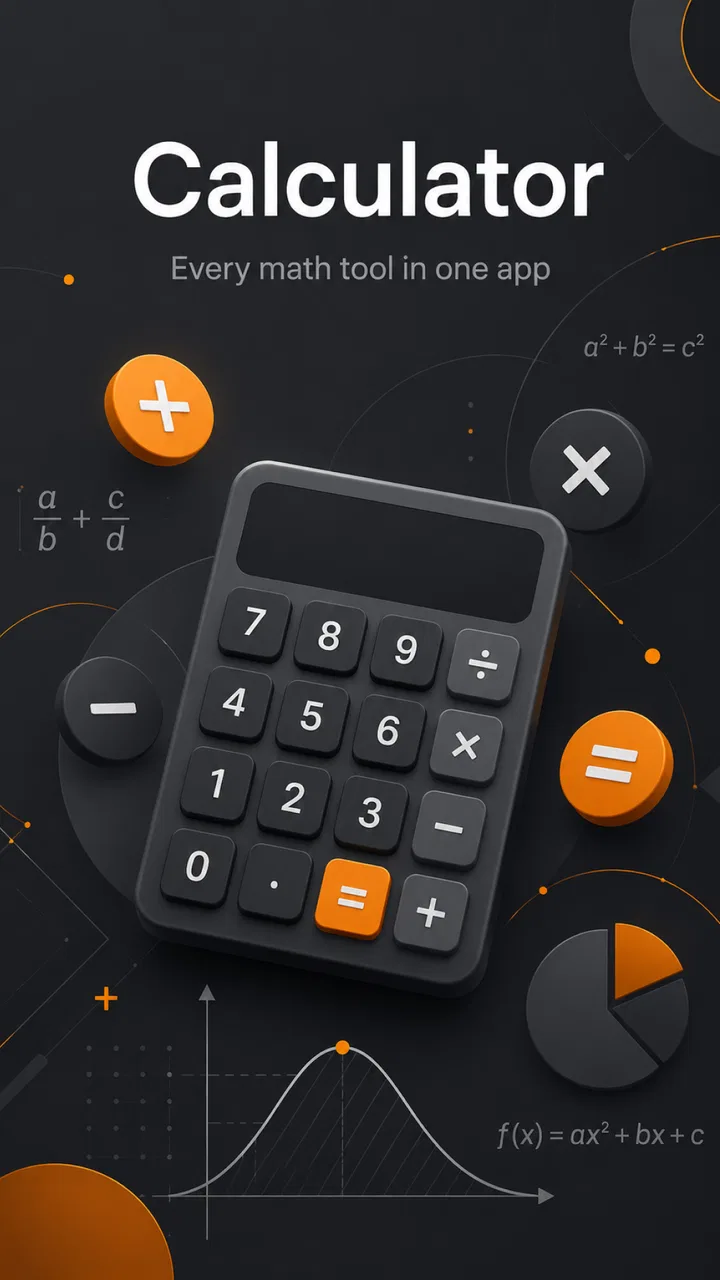
I usually want a calculator to disappear into the background: open it, enter the expression, check the result, and move on. Calculator from Prometheus Interactive LLC takes a slightly more ambitious approach. It is a free education app for Android users who want something more capable and polished than the basic calculator already installed on a phone, while still keeping the interface approachable. After spending time with it, I found that its main appeal is not a long list of complicated tools, but the way it makes scientific-style calculations feel less intimidating.
The app has been available since January 13, 2016, and its continued presence is easy to understand. It has built a broad audience, with more than ten million installs and an average rating of 4.4 from roughly eighty-seven thousand ratings. Those figures suggest that it works well for a wide range of everyday learners, although popularity alone does not make it the right choice for every calculation. The important question is whether you need a scientific calculator that is quick and visually comfortable, or a much deeper mathematics tool.
How the current calculator feels in everyday use
The first thing I noticed is that this is not trying to imitate a pocket calculator with a crowded, old-fashioned layout. The presentation feels cleaner and more deliberate than many basic scientific calculator apps. That matters when you are working through a homework problem, checking a measurement, or trying to verify a result without losing track of the expression you just entered.
You May Also Like

 Blood Strike: 2.5 Anniversary
Blood Strike’s Loadouts Turn Every Drop Into a Tactical Gamble
A close look at Blood Strike’s custom loadouts: how fast access to signature weapons reshapes its battle royale rhythm, rewards preparation, and narrows the gap between fights.

 Pandora - Music & Podcasts
Pandora’s Music Is Easy to Start, but Harder to Recover
Pandora’s strength is its low-effort path from a seed to a station. Its weak spot is how much confidence it asks you to place in connection, setup, and quiet recovery.

 8 Ball Pool
 Is Built on Rivalries, Rematches, and Routine
A close look at the rivalries, rematches, shared routines, and unanswered safety questions that turn a quick pool match into a persistent mobile community.

 Samsung Music
’s Quiet Strength Is Playing What You Already Own
Its reach comes less from spectacle than from dependable access to a personal library. That simplicity is both the app’s strongest retention engine and its ceiling.

 AccuWeather: Weather Radar
AccuWeather Review: A Quick, Clear Forecast for Everyday Decisions
For everyday plans, the best forecast is the one you can understand quickly. AccuWeather makes rain timing, radar, and local conditions easy to act on, with a few trade-offs.

 Hill Climb Racing
Why Hill Climb Racing Still Turns Crashes Into One More Run
A tiny car, a bumpy hill and one more upgrade: Hill Climb Racing keeps resurfacing because its simple chaos makes every near-miss feel personal.
More From Our News Desk



I particularly like the balance between ordinary arithmetic and more advanced work. A simple addition or percentage calculation does not feel like it requires a technical manual, but the app still belongs in the scientific calculator category rather than being limited to four operations. For a student, that makes it useful as a single tool during study sessions instead of forcing a switch between a basic calculator and a separate specialist app.
The free price also makes it easy to try without committing money first. There are in-app purchases ranging from $0.99 to $99.99 per item, so I would still advise checking what is offered before paying for anything. The free entry point is helpful for casual users, but people who want a completely unrestricted experience should pay attention to the purchase flow rather than assuming every part of the app is included automatically.
Its Everyone age rating makes sense for the intended audience. There is nothing about the concept that limits it to adults, and the educational focus suits younger learners as well as university students and working adults. That said, an age rating does not replace instruction. Someone learning trigonometry will still need to understand which operation to choose and how to interpret the result; the app can calculate, but it cannot correct a misunderstood formula by itself.
A practical scenario where it earns a place
Imagine checking the dimensions of a room before buying flooring. You might calculate the area, add a percentage for waste, and compare the result with the package coverage. A basic phone calculator can handle the arithmetic, but a scientific calculator is more comfortable when the calculation grows into a chain of operations. I found this kind of situation useful because the app lets me keep the expression together instead of writing intermediate values on paper and risking a transcription mistake.
The same workflow applies to schoolwork. I can enter a formula, pause to inspect it, and then change one value without mentally rebuilding the whole calculation. That is a small advantage, but it becomes important when several values are involved. It also makes the app useful for checking work after solving a problem by hand, rather than using it only as a button-operated replacement for mental arithmetic.
Another good use is quick verification at work. If I need to convert a rate, estimate a proportion, or check a technical value, I want a tool that opens quickly and does not bury the answer under unrelated content. Calculator is better suited to that purpose than a full graphing or computer-algebra application, which may be far more powerful but slower to use for a single check.
What feels more thoughtful than a basic phone calculator
The strongest design choice is the emphasis on readability. Scientific calculators often become difficult to use because every available function is displayed at once. Here, the cleaner styling reduces some of that visual pressure. I still need to pay attention when entering a long expression, but the overall experience feels less like operating a piece of specialist hardware.
That design also changes how I approach mistakes. With a basic calculator, I often clear everything after pressing the wrong key. In a scientific layout, it is more useful to review the expression and correct the relevant part. I recommend treating the app as an expression workspace rather than a simple sequence of button presses. Enter a complete calculation carefully, inspect it, and only then rely on the result.
A useful habit is to separate estimation from exact entry. Before pressing the final equals button, I try to predict whether the answer should be small, large, positive, or negative. This is especially valuable with powers, roots, and trigonometric operations, where a misplaced key can produce a result that looks plausible. The app makes checking convenient, but the responsibility for recognizing an impossible answer remains with the user.
I also found that the app is more comfortable for repeated calculations than for a one-off sum. If I am comparing several scenarios, the scientific layout gives me a consistent place to work. For example, I can test different dimensions or rates without changing applications. This is one of the less obvious benefits: the value is not just in having more functions, but in keeping related calculations inside one familiar workspace.
How the product has developed over time
Because the app was released in 2016, it has had time to establish itself beyond the short lifespan of many small utility apps. Its current identity is best understood as a mature, focused calculator rather than a newly launched experiment. The confirmed release date tells us where its history begins, but it does not justify assuming that every later change followed a particular roadmap or that a specific feature was introduced in a specific update.
What I can say from using the current product is that its presentation has been shaped around accessibility and style, not just raw mathematical range. That is important because scientific calculators often evolve by adding functions until the interface becomes difficult for beginners. This one remains appealing precisely when the user wants more capability without moving immediately to a full mathematics suite.
For existing users, that maturity is reassuring in a practical sense. A calculator is not an app I want to relearn every week. Once I become comfortable with the arrangement and the general workflow, I can return to it for homework, budgeting checks, measurements, or technical estimates. Familiarity is a real productivity feature here, even though it is less visible than a new button or visual effect.
At the same time, I would not confuse longevity with guaranteed suitability for every modern need. A product can remain dependable for ordinary scientific calculations while still falling short for graphing, symbolic manipulation, data tables, or classroom collaboration. The app’s evolution appears most relevant to people who want a refined calculator experience, not those searching for a complete digital mathematics environment.
Who should use it and who should look elsewhere
I would recommend it to secondary-school students, college learners who need a straightforward scientific calculator, adults checking practical calculations, and anyone dissatisfied with the cramped or overly plain calculator bundled with a phone. It is also a sensible choice for people who prefer a dedicated tool instead of opening a browser and searching for an online calculator every time.
It is less suitable for advanced mathematics students who need graphs, equation solving, symbolic simplification, or a visual explanation of a function. In those cases, a graphing calculator app or a computer-algebra system is the better option. Those alternatives may feel excessive for a percentage or square root, but they become worthwhile when the goal is understanding relationships between variables rather than simply obtaining a numerical answer.
I would also hesitate to recommend it as the only calculator for professional work where results must be documented, audited, or reproduced by a team. A focused mobile calculator is convenient for checking a figure, but formal workflows often require a spreadsheet, a specialist engineering tool, or software that records inputs and assumptions. Calculator can support that process, but it should not automatically replace it.
Beginners should consider one more trade-off. A scientific calculator offers more possibilities, but more possibilities mean more opportunities to choose the wrong mode or operation. If you are still learning the difference between degrees and radians, or between a percentage and a decimal multiplier, the app will not remove that conceptual hurdle. I would use it alongside a lesson or worked example, particularly during the first weeks of learning.
Small habits that make the app more reliable
My first tip is to pause before evaluating a long expression. Read it from left to right and check whether the grouping matches the formula you intended. Scientific notation and nested operations can look correct at a glance while still producing the wrong order of operations. Taking a few seconds to inspect the entry is more useful than repeatedly clearing the screen after an unexpected result.
My second tip is to use a separate rough estimate for anything important. If you are calculating material quantities, travel costs, or a measurement conversion, round the inputs mentally and predict the scale of the answer. When the displayed result differs dramatically from that estimate, investigate before using it. This habit protects against key-entry mistakes that no calculator interface can detect.
My third tip is to keep the app for calculation and keep explanations somewhere else. It is excellent for obtaining or checking a value, but it is not a substitute for showing your method in a notebook or assignment. Entering a formula into the app can confirm the arithmetic, yet writing down the formula and the reason for each step is what makes the result useful later.
A fourth practical habit is to avoid switching tools halfway through a related set of calculations. If I am comparing several versions of the same problem, I keep the same calculator open and change only the necessary values. This reduces the chance of mixing a result from one tool with a different rounding convention or input format from another. Consistency is particularly helpful when checking a series of estimates.
Where the experience still has limits
The clean design is an advantage, but it also means that users looking for every advanced feature in one place may feel constrained. A scientific calculator is a middle ground: more capable than a basic keypad, less expansive than a graphing or symbolic mathematics platform. That middle ground is exactly why I like it, but it is also the reason I would not call it a universal solution.
There is also a learning curve whenever a calculator moves beyond ordinary arithmetic. Even a stylish interface cannot make every function self-explanatory. If you are working with trigonometry, logarithms, powers, or roots for the first time, you may need to consult your course notes to understand the expected input and the meaning of the answer. The app helps with execution, not with teaching the entire subject.
The purchase model is another point worth considering. The app is free to start, but optional items can cost from less than a dollar to nearly a hundred dollars each. That wide range makes it especially important to review the purchase details before confirming anything. For someone who only needs occasional calculations, the free experience may be enough; for someone considering paid additions, the decision should depend on a specific need rather than a vague promise of “more” functionality.
Finally, I would not choose it when I need a visual graph, a written derivation, or a shared project. Those tasks belong to different kinds of educational tools. Calculator is strongest when the desired outcome is a clear numerical result delivered with less friction than a full mathematics application.
What I would watch as a returning user
If I continue using the app, I would pay attention to how well its polished interface keeps pace with the expectations of current mobile users. A calculator does not need constant novelty, but it does need to remain comfortable on newer phones and understandable to people arriving from simpler built-in tools. Stability and clarity matter more here than decorative changes.
I would also watch whether future development continues to respect the app’s central balance. Adding options can help experienced users, but too many visible controls could undermine the approachable character that makes it attractive in the first place. The best direction would preserve quick everyday arithmetic while making scientific work easier to inspect and correct.
For current users, the practical takeaway is simple: keep it if you value a dependable scientific workspace and do not need graphs or symbolic mathematics. New users should try the free version with a real task, such as checking a formula or comparing measurements, rather than judging it only by its store summary. That test will quickly reveal whether the layout feels natural to you.
Overall, I see Calculator as a well-judged middle option in educational apps. Its free starting point, Everyone rating, established history, and broad user base make it approachable, while the scientific focus gives it more purpose than a basic four-function tool. Its real strength is the combination of readable presentation and practical calculation depth. I would recommend it to learners and everyday users who want a stylish scientific calculator without the weight of a full mathematics suite, while directing advanced students and professionals toward more specialized software.
If you approach it with realistic expectations, it is easy to find a place for it: use it to calculate, verify, compare, and practice. Just remember to check long expressions, estimate important answers independently, and choose a graphing or symbolic tool when the problem demands explanation rather than a number. That is where this app feels most successful—not as every mathematical tool at once, but as a convenient and approachable calculator for the space between basic phone arithmetic and advanced mathematics software.
FAQs for Calculator
01What features does the Calculator app offer?
The Calculator app offers a range of features including basic arithmetic operations, scientific functions, and a history log to track previous calculations. Some versions also include a unit converter and currency exchange calculator, making it versatile for both everyday and advanced mathematical needs.
02Is the Calculator app available for both Android and iOS?
Yes, the Calculator app is available on both Android and iOS platforms. Users can download it from the Google Play Store for Android devices and the App Store for iOS devices. Ensure your device meets the app's system requirements for optimal performance.
03Does the Calculator app require an internet connection?
The Calculator app primarily functions offline for basic and scientific calculations. However, certain features like currency conversion or app updates may require an internet connection to provide accurate and up-to-date information. Check your settings to manage data usage.
04Are there any in-app purchases or ads in the Calculator app?
Some versions of the Calculator app may include ads or offer in-app purchases to unlock premium features. Users can choose to upgrade to an ad-free experience or gain access to additional functionalities, depending on the app’s monetization model. Review the app details before downloading.
05How does the Calculator app ensure user privacy?
The Calculator app typically does not require personal information, thus maintaining user privacy. It may request minimal permissions for optimal functionality, such as storage access to save settings. Always review the app’s privacy policy to understand how your data is handled and protected.
Pros
- User-friendly interface.
- Supports scientific calculations.
- No ads in the free version.
- Customizable themes.
- Fast and responsive.
Cons
- Limited graphing capabilities.
- No currency converter feature.
- Requires in-app purchase for advanced functions.
- Some features hidden in menus.
- No cloud sync option.

Calculator
Gallery